Two roles in the scene
Upload a clear dancer portrait. Add a second portrait to replace the spectator, or keep the spectator from the reference scene.
 Tip Toe Studio
Turn your photo into a Tip Toeing in My Jordans dance video with matching music. Upload your photo, add an optional spectator photo, and choose your video format.
Start with your dancer photo. A spectator photo is optional.
Credits are returned if generation fails.
Loading…
Video previews
Example input photos
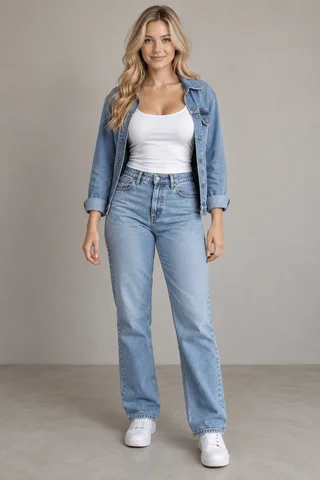
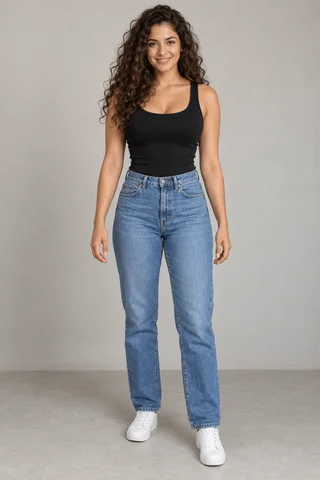
Your finished video will appear here. Upload a dancer photo to start; a spectator photo is optional.
Upload a clear dancer portrait. Add a second portrait to replace the spectator, or keep the spectator from the reference scene.
Create a 12-second video in 480p, 720p or 1080p, in portrait or landscape. The credit cost appears before you generate.
We generate the scene, add the soundtrack, then check the finished video. Preview the faces, footwork and timing before downloading your MP4.
Upload a clear dancer portrait. Add a second portrait to replace the spectator, or keep the spectator from the reference scene.
Create a 12-second video in 480p, 720p or 1080p, in portrait or landscape. The credit cost appears before you generate.
We generate the scene, add the soundtrack, then check the finished video. Preview the faces, footwork and timing before downloading your MP4.
AI can vary the faces, gestures and scene details. Check that the two people remain distinct, the dancer’s feet stay visible and the movement fits the music. An exact copy of every frame is not guaranteed.
A clear half-body portrait, with both hands visible.
Upload a clear dancer portrait. Add a second portrait to replace the spectator, or keep the spectator from the reference scene.
Choose a sharp photo with an unobstructed face. Use one person per photo, even when adding both roles.
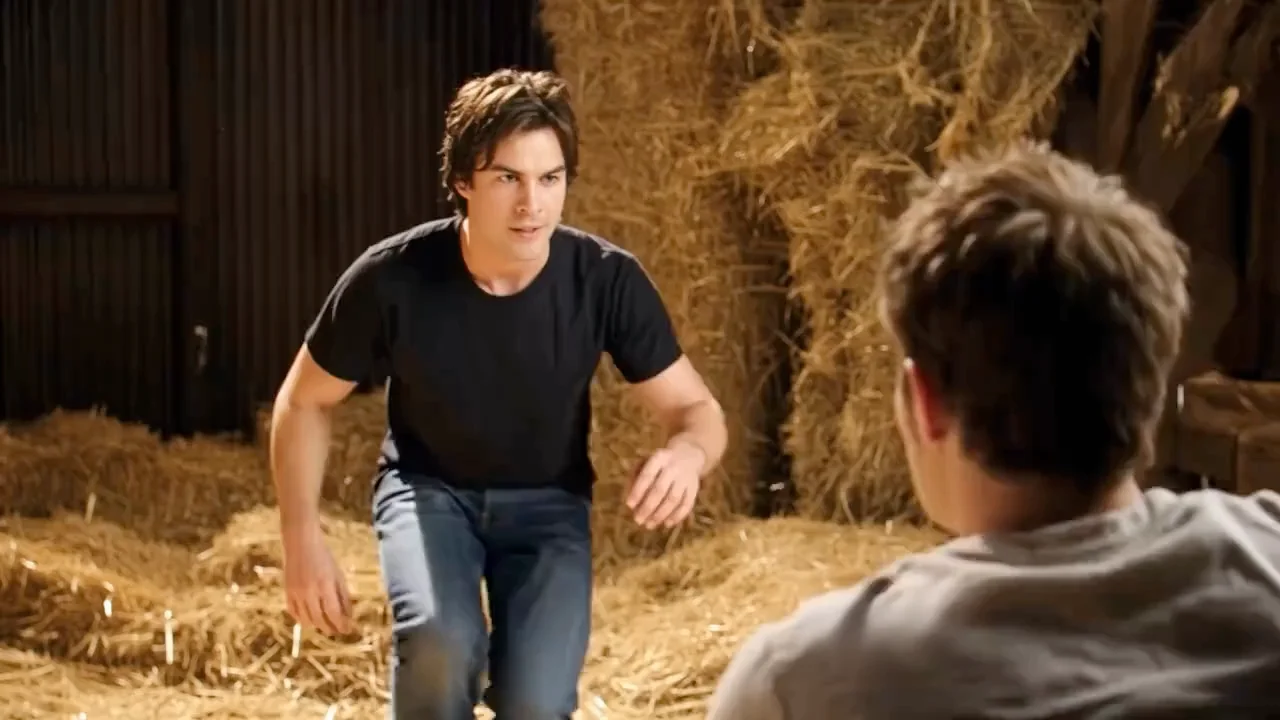
The barn scene is AI-generated. NBC’s reporting describes the viral Rumpelstiltskin-style clip and its pairing with RiFF RAFF’s song. It is not a recovered scene from an old film.
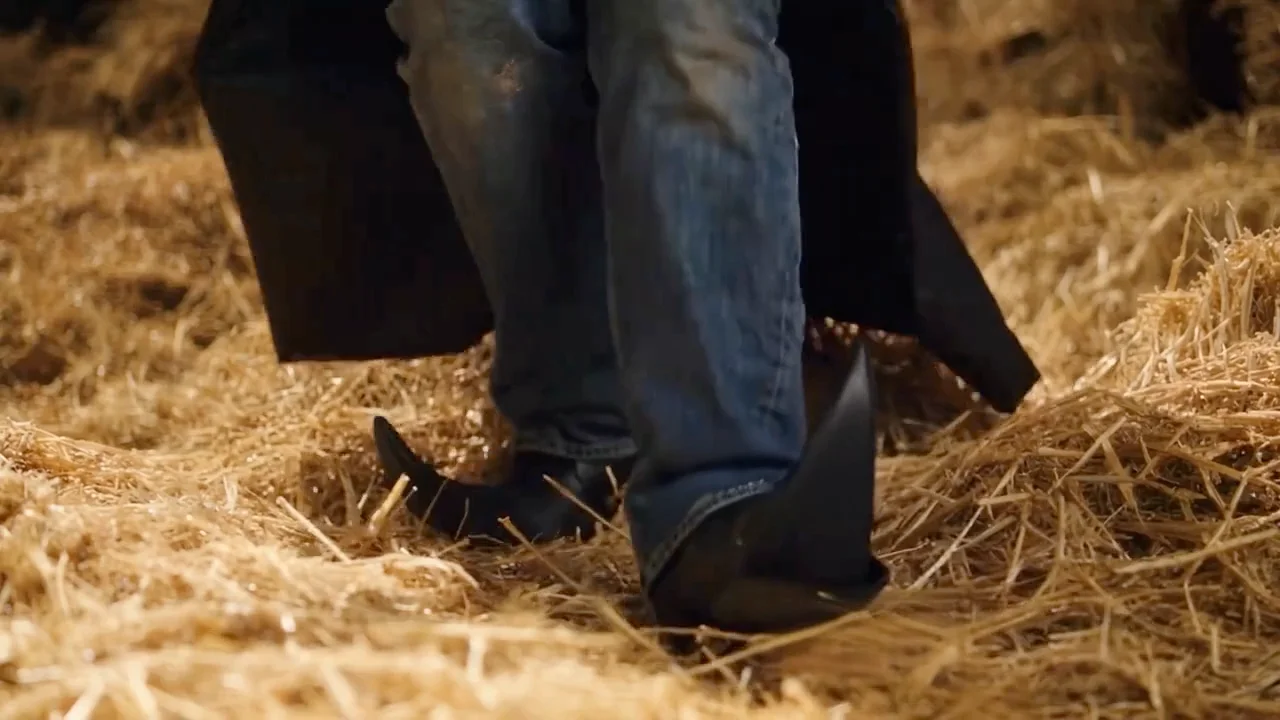
The song is “Tip Toe Wing in My Jawwdinz” by RiFF RAFF. The meme is often searched as “Tip Toeing in My Jordans,” which differs from the track’s official title.
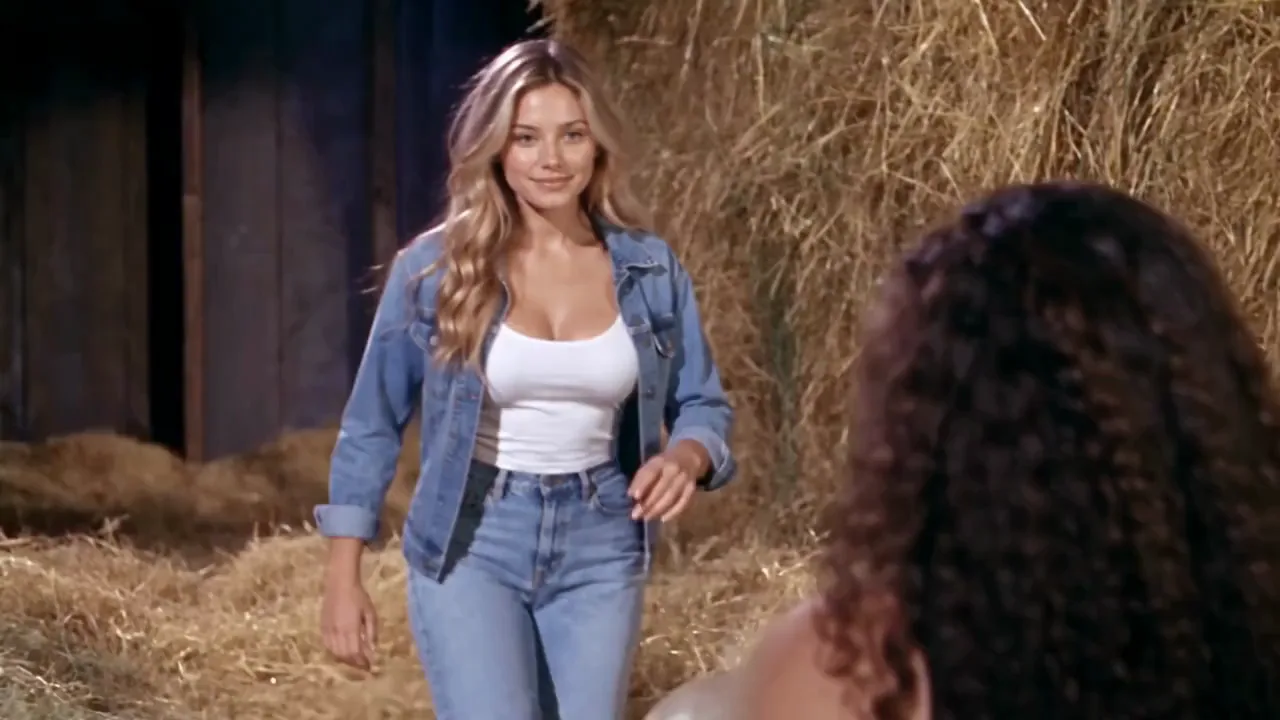
Upload a clear dancer portrait. Add a second portrait to replace the spectator, or keep the spectator from the reference scene.
Upload a clear dancer portrait. Add a second portrait to replace the spectator, or keep the spectator from the reference scene.
Create a 12-second video in 480p, 720p or 1080p, in portrait or landscape. The credit cost appears before you generate.
The AI generates the picture without sound. We then add the prepared soundtrack for your 12-second video, so the music is not an AI recreation of the song. Review the timing of your finished clip before sharing.
AI can vary the faces, gestures and scene details. Check that the two people remain distinct, the dancer’s feet stay visible and the movement fits the music. An exact copy of every frame is not guaranteed.
Per 12-second video: 480p — 500 credits; 720p — 1000; 1080p — 2500. Credits are returned if generation fails.
Upload a dancer photo. Credits are returned if generation fails.